RETRO-PC
A noncommercial museum of 1990s computing, distributed as a bootable system you can run on your PC.
The project demonstrates what it was like to use the computers of the era. Period operating systems and applications run through emulation, preserving their interfaces, workflows, and quirks.
The computing experience
Browse screenshots from RETRO-PC, including HOME and the complete games and hidden games lists. Open a screenshot to see it at full size.
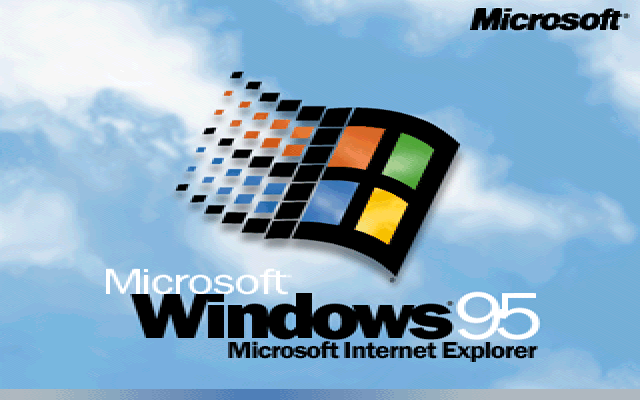
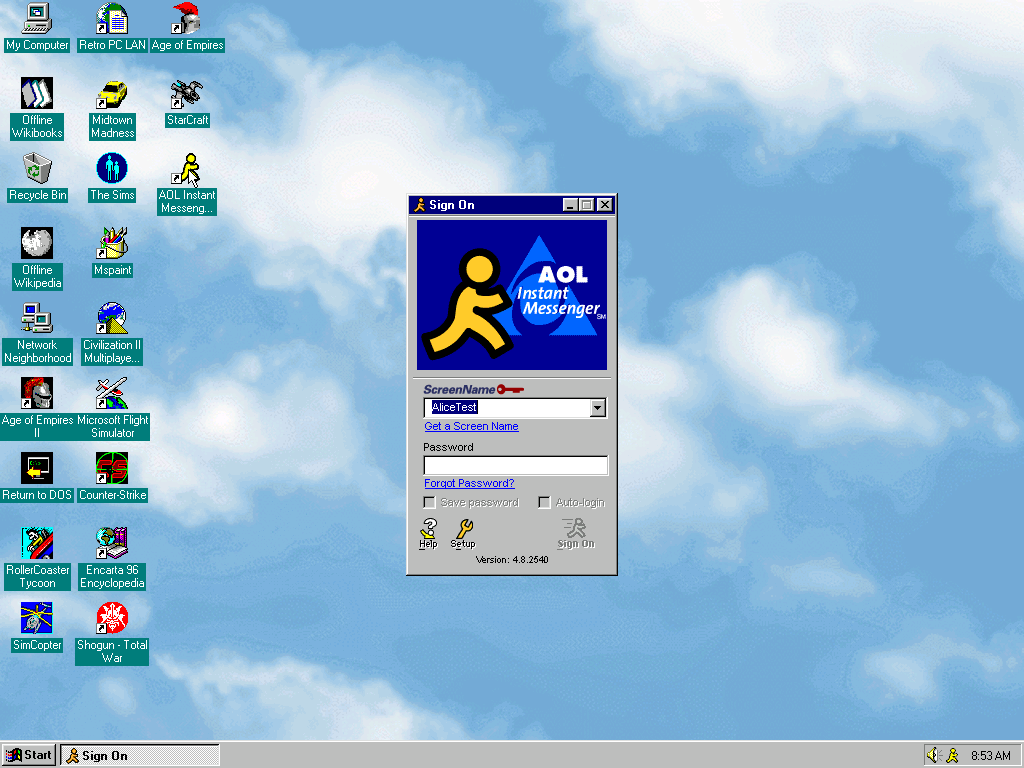
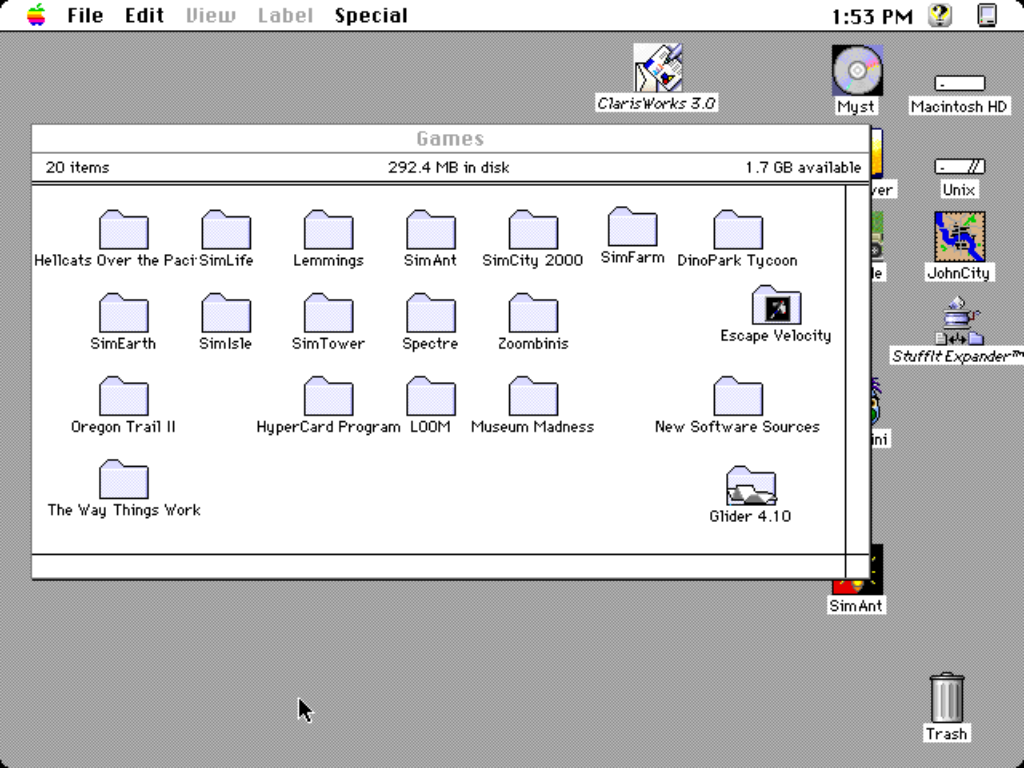
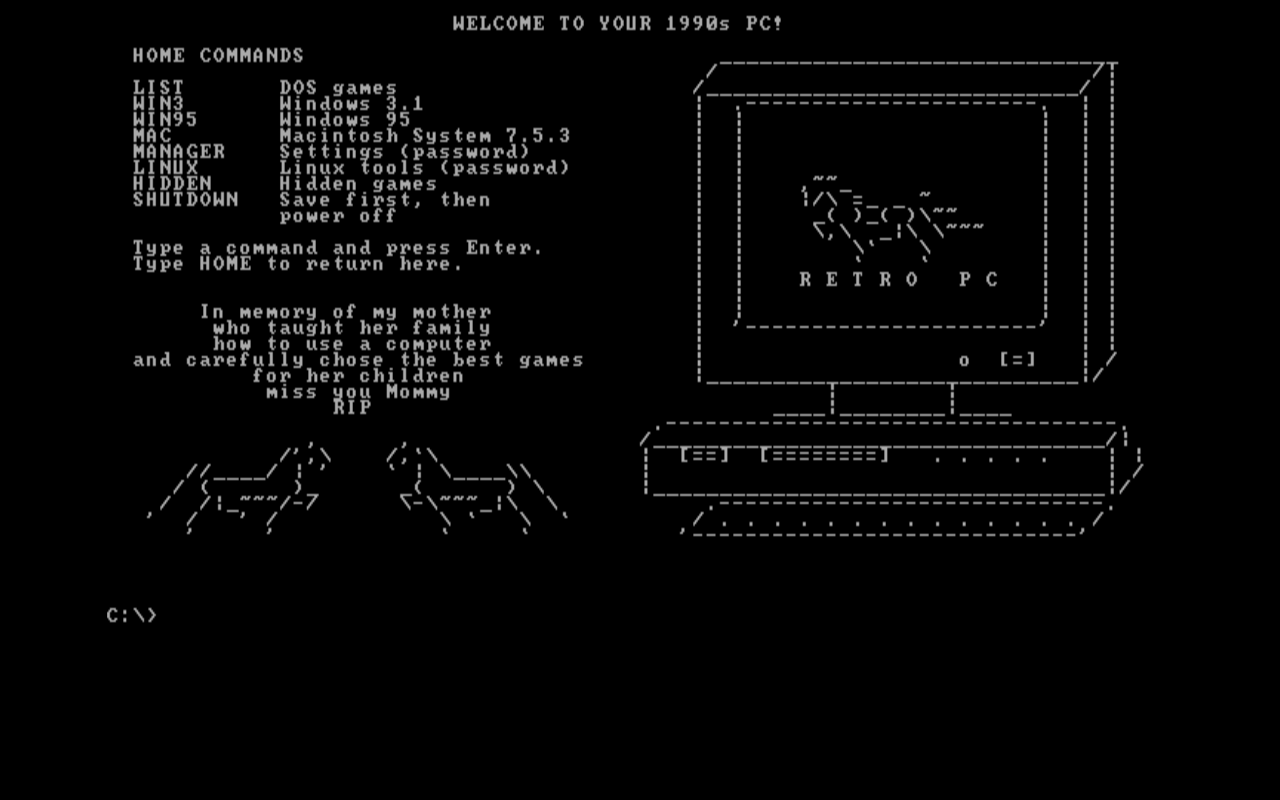
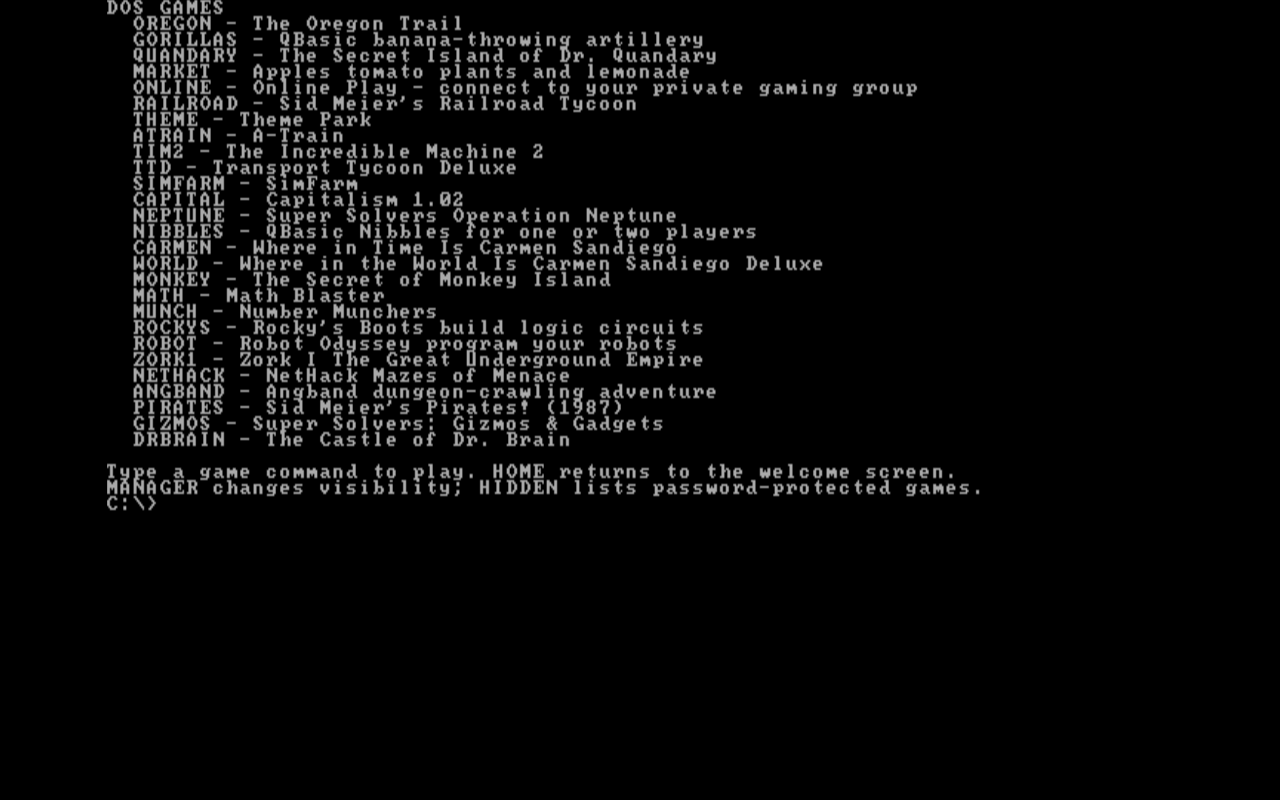
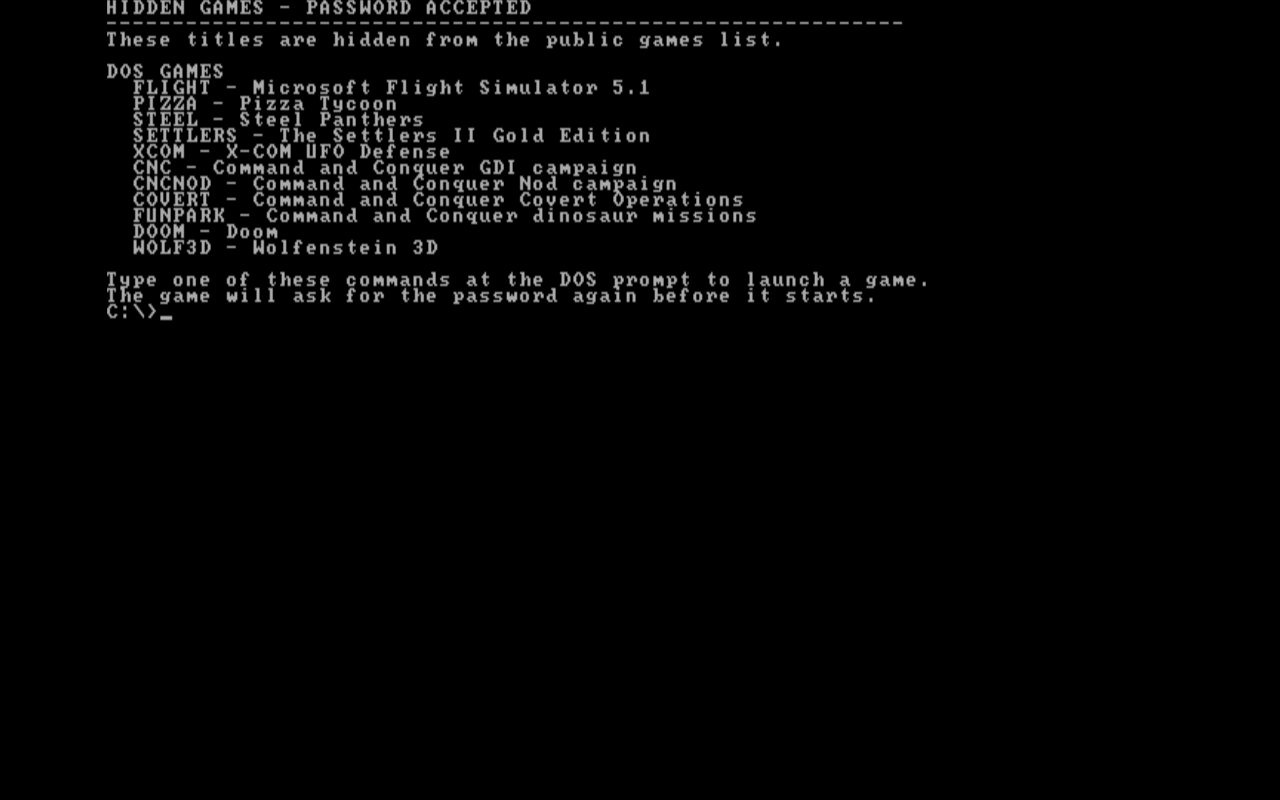
Four environments are included:
- MS-DOS — command-line programs and games.
- Windows 3.1 — an early graphical desktop.
- Windows 95 — the Start menu, desktop applications, and games.
- Classic Macintosh — the desktop and System 7.5.3.
Work with documents and spreadsheets, explore multimedia, or spend time with the games of the era.
The museum is about using the software: finding your way around a desktop, making something, and learning how these systems worked.
Built on Linux
RETRO-PC combines a Linux base with emulators for 1990s computers. Linux provides the host system's display, sound, storage, and networking support. The emulators present the hardware that the older operating systems expect, including graphics cards, sound cards, and disk drives.
MS-DOS and Windows 3.1 share an emulated PC. Windows 95 runs in its own virtual PC, and the Macintosh environment runs on an emulated classic Mac. Each environment uses disk images containing its operating system and software. You explore their desktops and command prompts, open files, and use the interfaces people worked with at the time.
Startup scripts bring the collection together through the HOME screen. They launch the environments and manage media, audio, networking, and persistent storage. Documents, settings, and saved games are kept between sessions when you run from USB or install the system.
The museum preserves the experience of using these systems, from everyday tasks to the experimentation and quirks that were part of learning to use a computer in the 1990s.
Download RETRO-PC
AMD64 · 61 GB (56.8 GiB) · .img disk image
Run it from USB with persistent saves, or install it on your PC. No account is needed to download or use the system.
Write the USB
- Download the image and use a 64 GB or larger USB drive.
- Use a disk-image writing utility to write the downloaded image to the whole USB drive. Writing the image erases that USB drive.
- Boot your PC from the USB. Run RETRO-PC, or choose Install to disk.
LAN play and chat
Multiplayer games and instant messaging are part of the experience. RETRO-PC includes local LAN play and period chat in Windows 95.
- On the same network: connect RETRO-PCs by Ethernet for LAN games and chat. No account or internet connection is needed.
- Over the internet: connect a private online group, then meet in your games and chat.
Create an online group · Sign in
Private online groups require an account and an online-enabled RETRO-PC build. Connection quality depends on the network between players.